Новичкам
Stack splitting
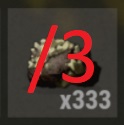
Only 1% of RUST players know this! :D How to split stack of items into 2 or 3 parts; input stack size with keybord and some more tips
Move the whole stack
To move the whole stack, simply drag and drop it or click on it with right mouse button
Move one unit from stack
Drag the item with right mouse button
Move half of the stack
To move half of the stack use your middle mouse button(click the wheel)
Simply drag half of the stack with middle mouse button
Simply drag half of the stack with middle mouse button
Move one third of the stack
To move one third of the stack use your middle mouse button(click the wheel)
Hold left SHIFT down and drag 1/3 of the stack with middle mouse button
To divide a stack into three equal parts, first drag off 1/3 of the stack and then divide the rest into two
Hold left SHIFT down and drag 1/3 of the stack with middle mouse button
To divide a stack into three equal parts, first drag off 1/3 of the stack and then divide the rest into two
Move custom amount from stack
Select the stack then right click the slider. This will allow you to input any number you want with your keyboard
Move multiple stacks between inventory and box etc
To move loot quickly use "hover loot" function. By default it is bound to H on your keyboard, you can edit it through game settings.
Hold H and move your mouse pointer over stacks you want to move. If you have cloths and armor in your inventory you can use hover loot function to dress yourself quickly.
Hold H and move your mouse pointer over stacks you want to move. If you have cloths and armor in your inventory you can use hover loot function to dress yourself quickly.
Extra tips
Crafting
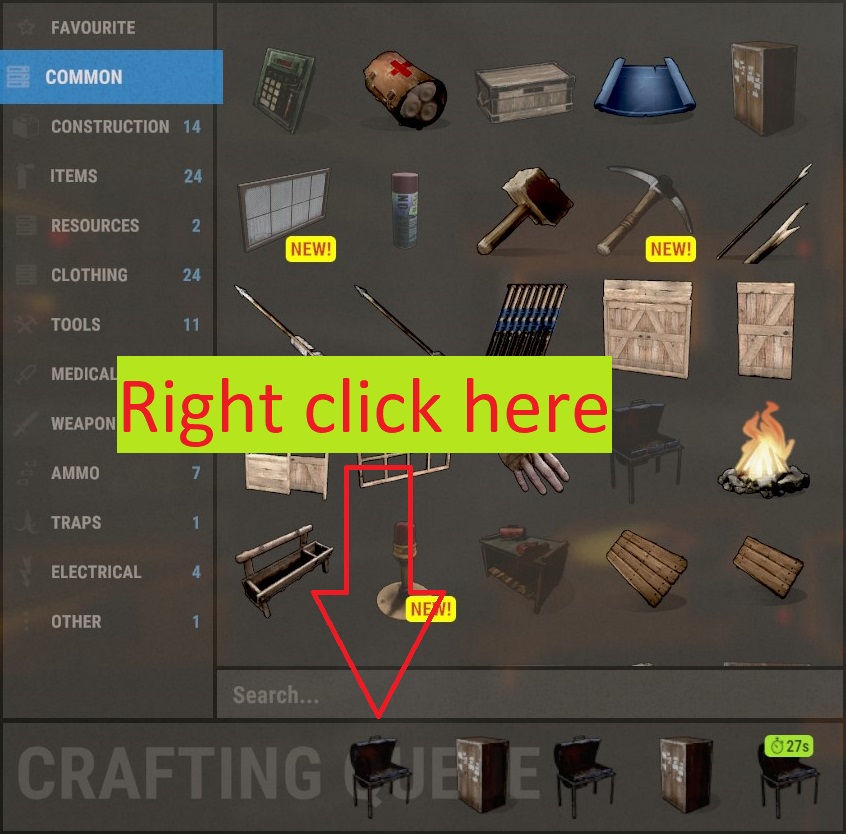
- To move a queued object to the front of the queue simply right click it
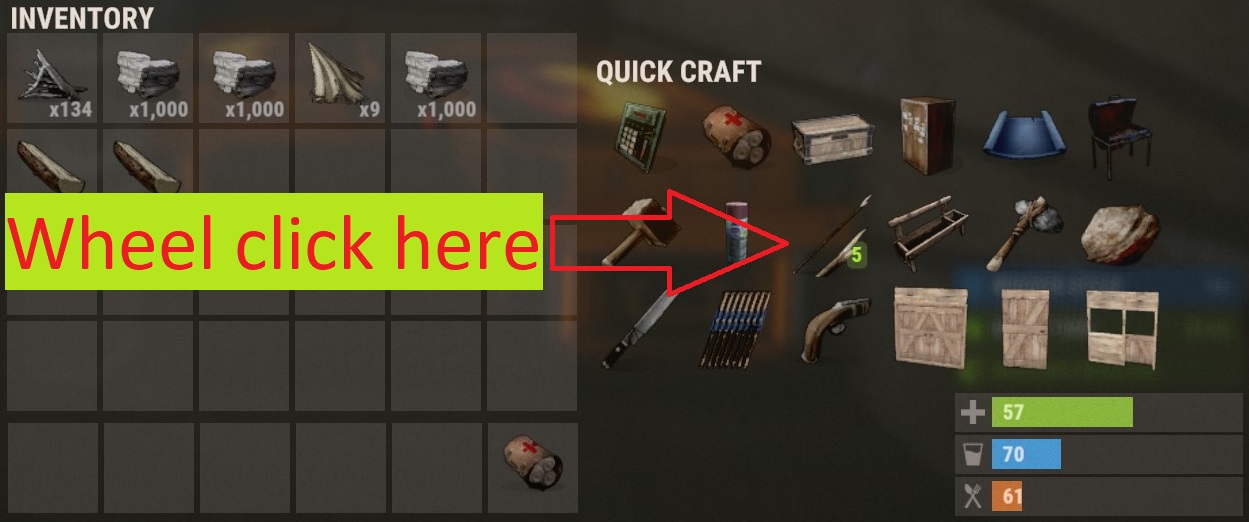
- You can craft 5 pieces of something by clicking middle mouse button(wheel) on any item in quick craft
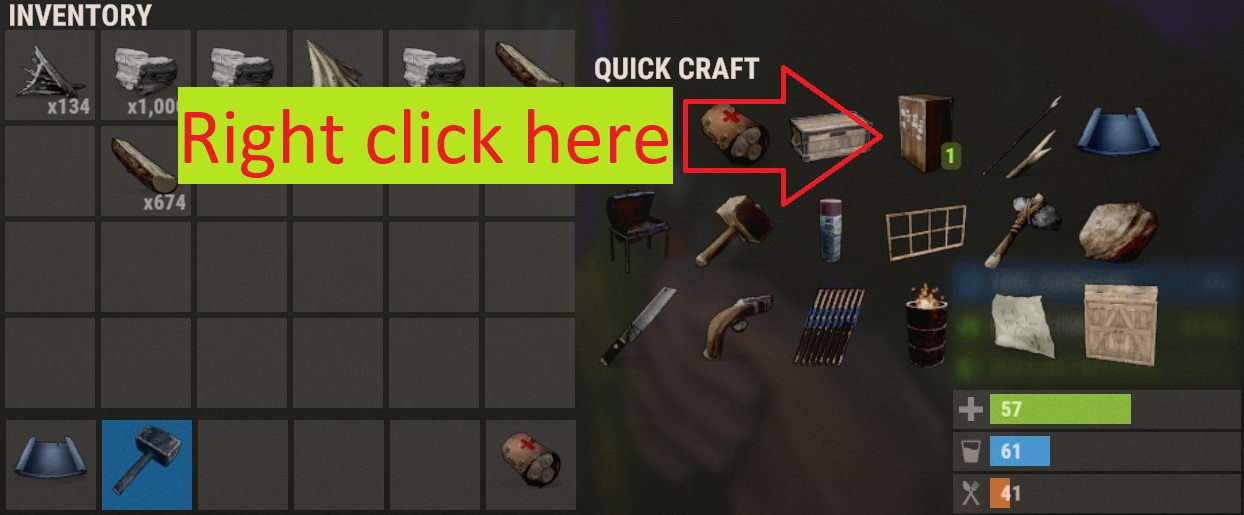
- To cancel previously queued object in quick craft
Комментарии 0
Войди через Discord, чтобы комментировать